Introducing Smart In-Profile Navigation for MediaHubHQ PRO
The more you add to your MediaHubHQ profile, the more there is for your audience to discover. Articles. Links. Gallery content. About information. Connect™ and more.
But a richer profile also needs a better way to move around. That’s why MediaHubHQ PRO profiles feature Smart In-Profile Navigation — designed to help visitors explore more of your profile without getting in the way of your content.
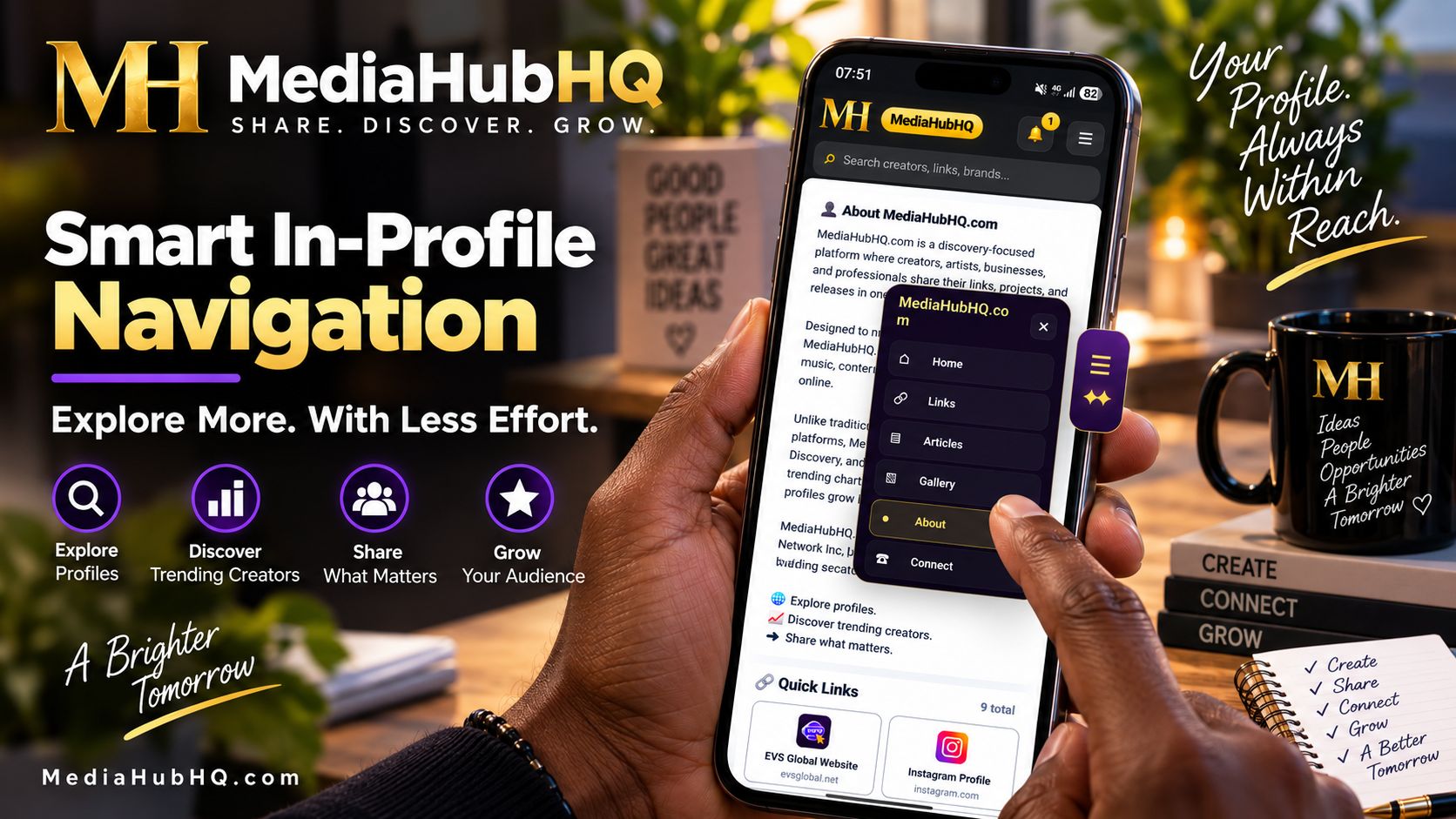
See the Smart In-Profile Navigation in action and discover how MediaHubHQ PRO makes it easier for visitors to explore your profile, move between key sections, and find more of what you share—all with less effort.
Start Exploring
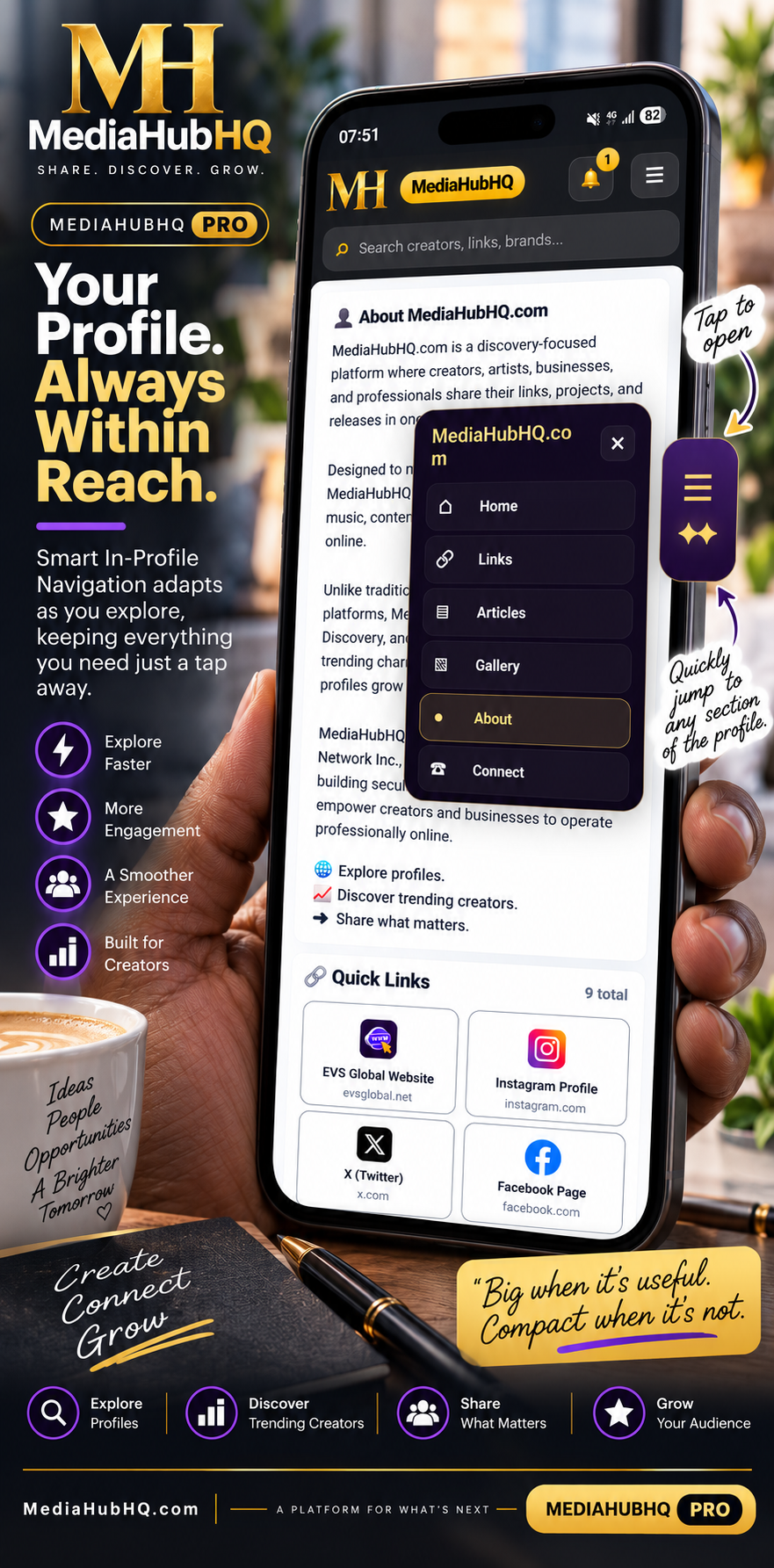
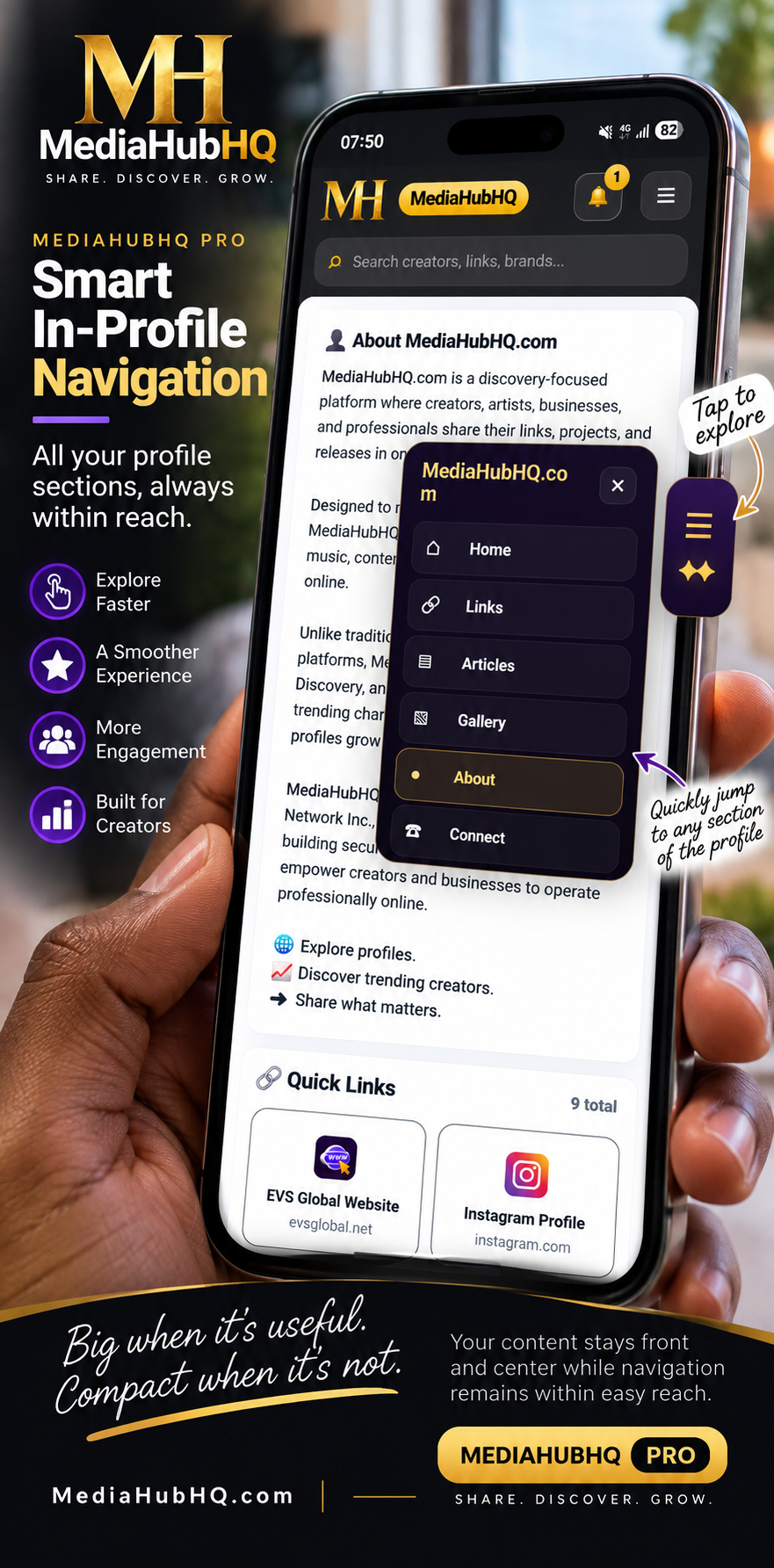
Near the top of a PRO profile, visitors are presented with an Explore menu. It provides a convenient way to jump directly to available areas of the profile instead of searching through the entire page. The navigation is easy to find here because this is where visitors begin exploring the profile.
Then It Gets Out of the Way
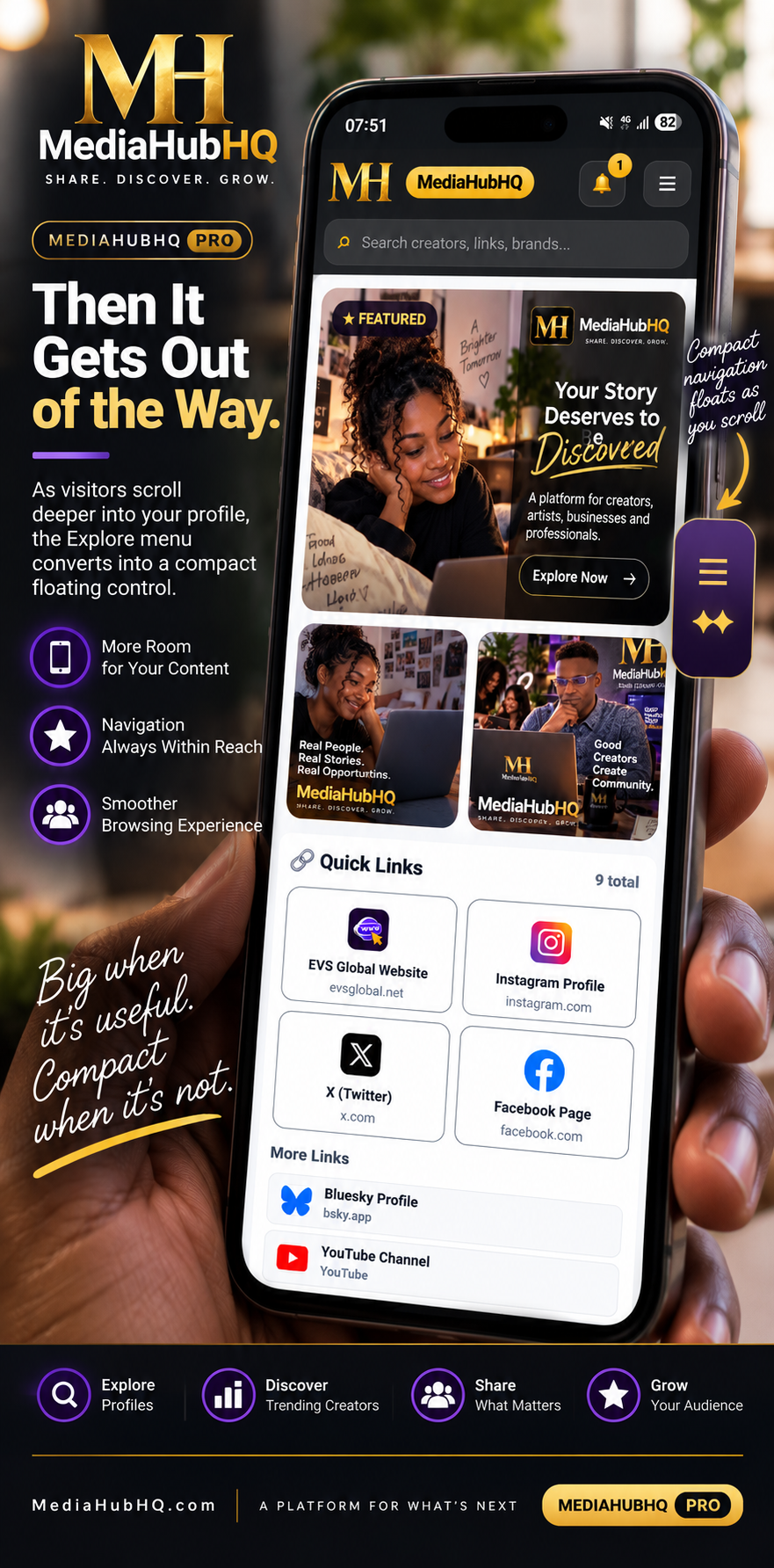
As visitors scroll farther into the profile, the experience changes. Instead of keeping the larger navigation panel on screen, the navigation converts into a compact floating control along the side of the profile. That means more room for your content while navigation remains within easy reach. Big when it’s useful. Compact when it’s not.