Inside MediaHubHQ PRO: Your Header, Positioned Your Way — On Every Screen
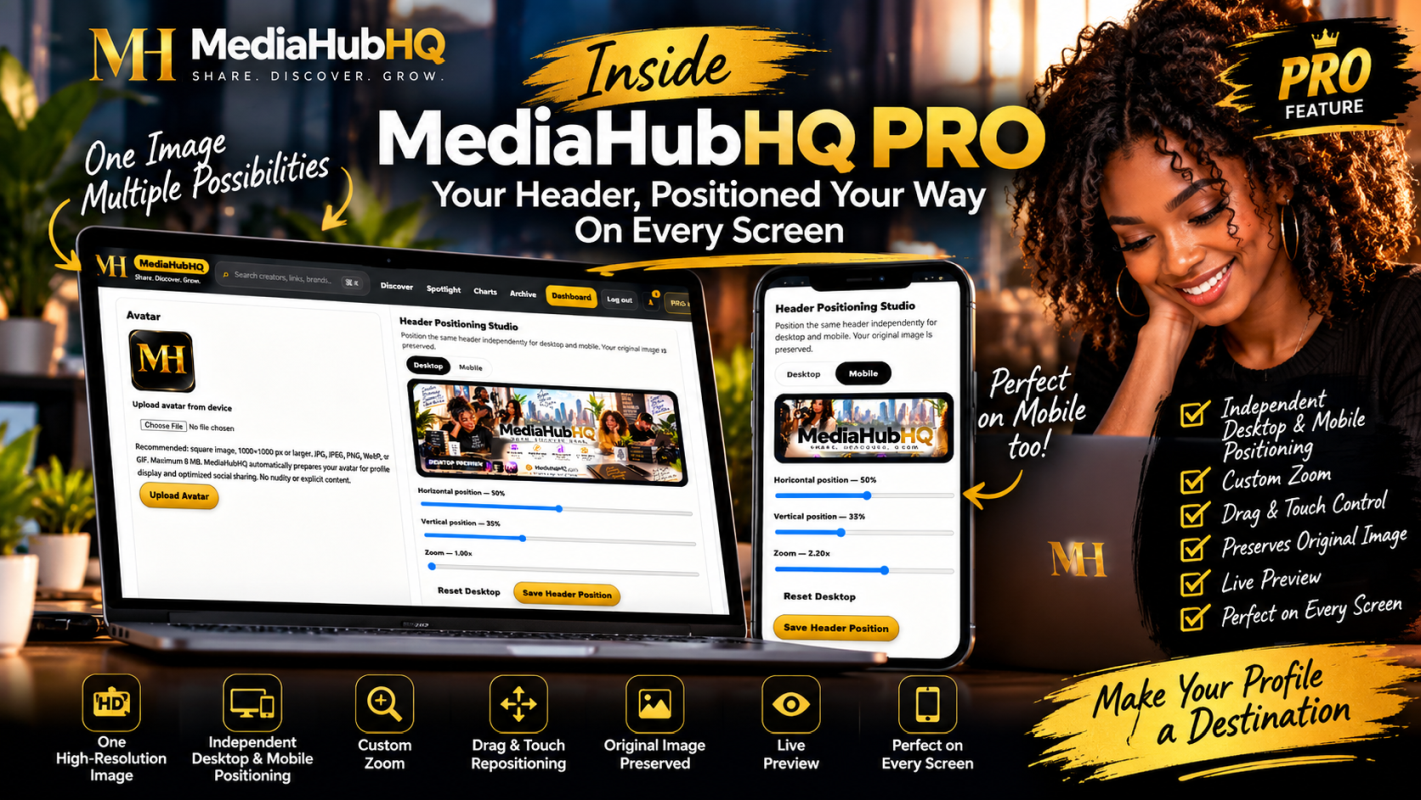
Meet the MediaHubHQ PRO Header Positioning Studio—independently position and resize your profile header for desktop and mobile while preserving your original image.
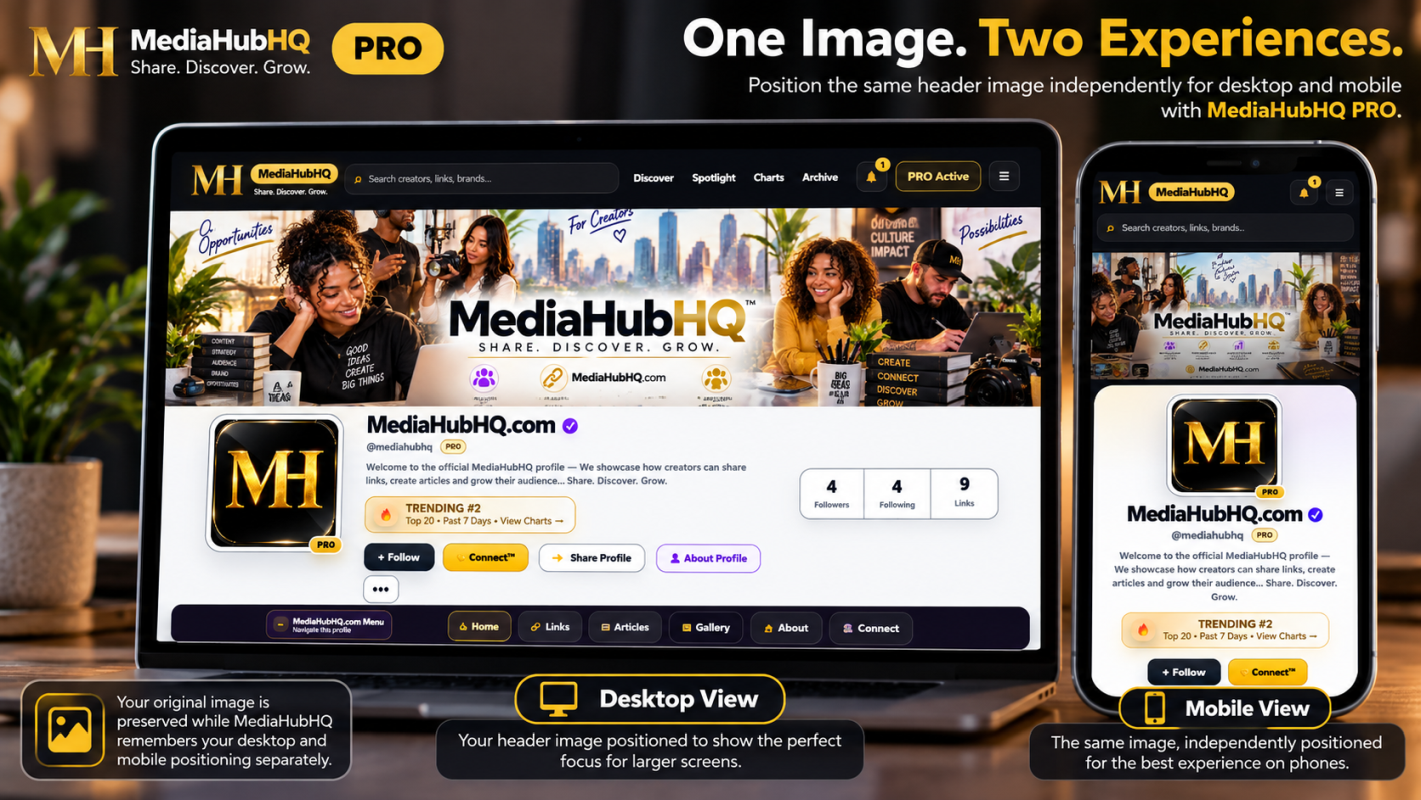
One image. Two screen experiences. More control over how your profile makes its first impression.
Your profile header is one of the first things people see when they visit your MediaHubHQ profile. But an image that looks great across a desktop screen may not frame the same way on a phone.
That’s why we created the Header Positioning Studio, available with MediaHubHQ PRO.
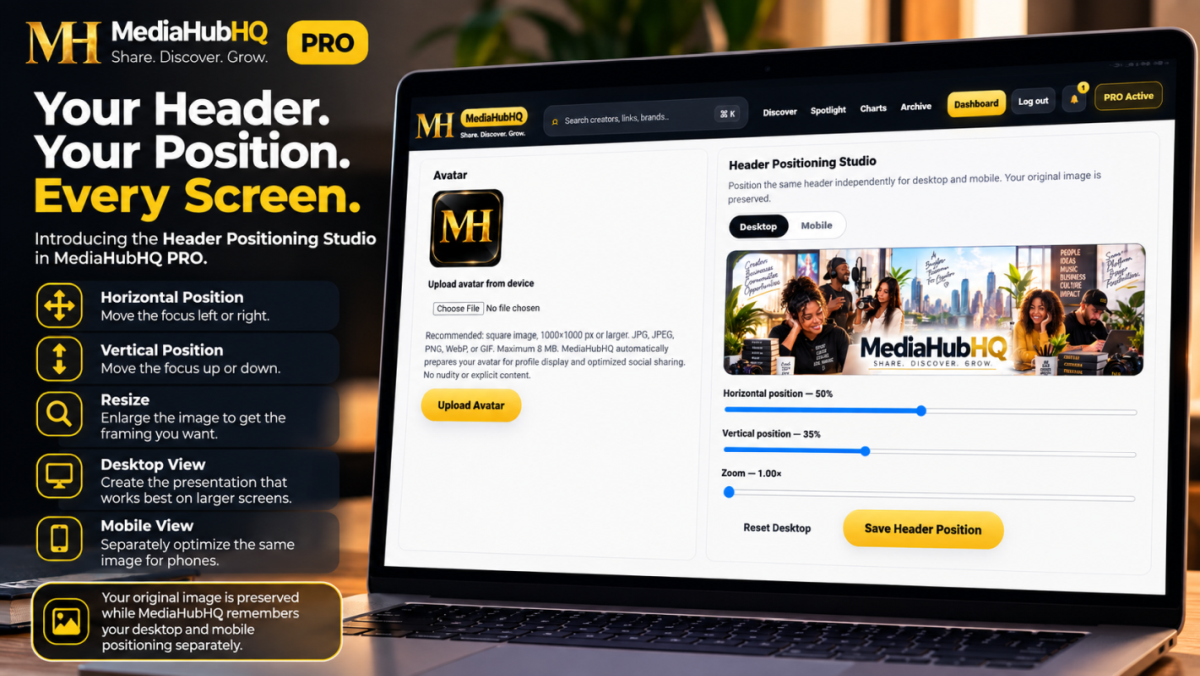
The MediaHubHQ PRO Header Positioning Studio gives you independent control over how your profile header appears on desktop and mobile.
One Header. Independent Control.
Upload one high-resolution header image, then customize how it appears across different screen sizes.
PRO subscribers can independently adjust:
Horizontal Position — move the focus left or right.
Vertical Position — move the focus up or down.
Resize — enlarge the image to get the framing you want.
Desktop View — create the presentation that works best on larger screens.
Mobile View — separately optimize the same image for phones.
Your original image is preserved while MediaHubHQ remembers your desktop and mobile positioning separately.
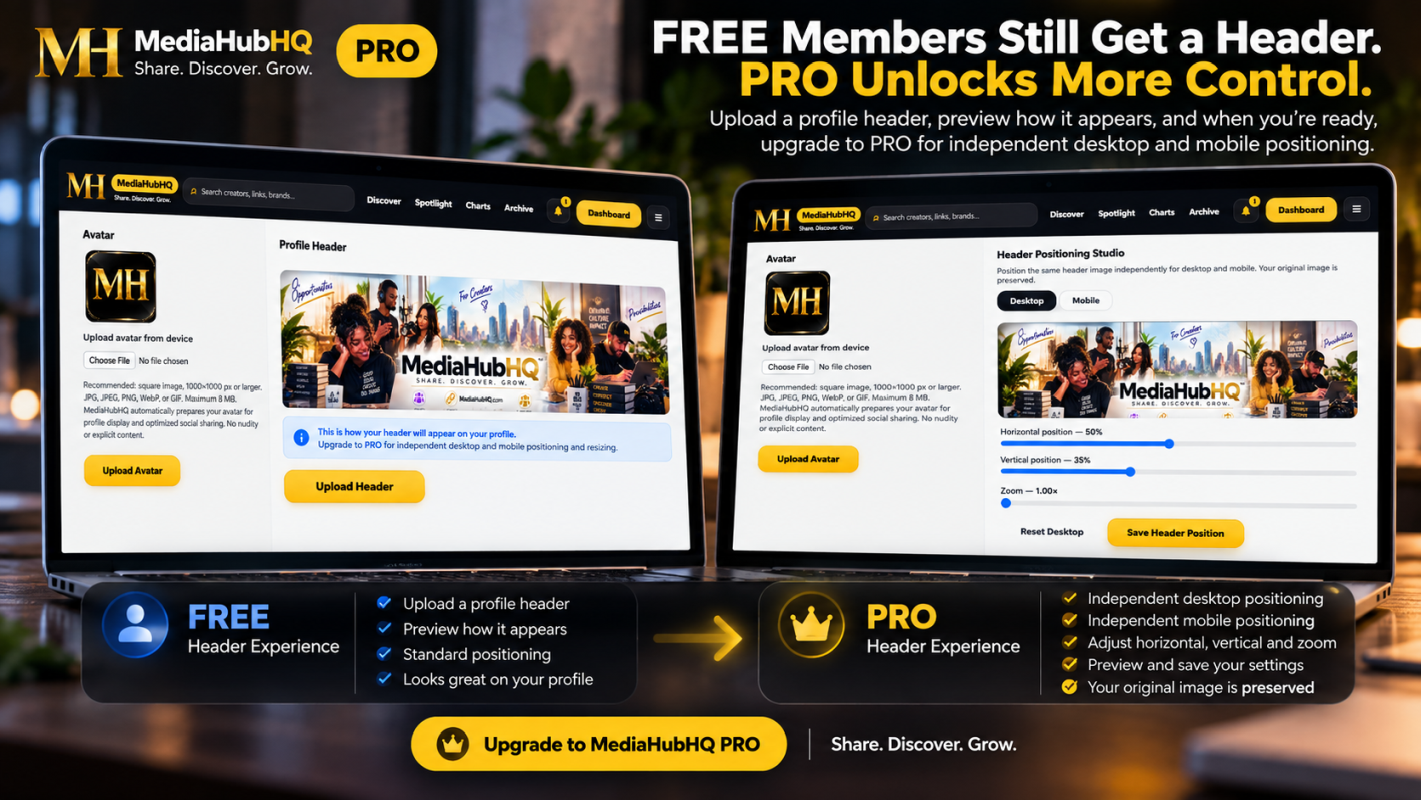
If your PRO membership changes, your saved Header Positioning Studio settings aren’t automatically deleted.
They are preserved and become editable again when PRO access is restored.
That means the work you put into customizing your profile doesn’t have to start over.
Built for Better First Impressions
A MediaHubHQ profile is more than a collection of links.
Your avatar, header, content, links, Archive articles and other profile features work together to create a space that represents you, your brand, your work or your business.
The Header Positioning Studio gives you another way to make that space feel intentional — whether someone discovers you from a computer or from the phone in their hand.
One image. Your positioning. Every screen.
Ready for More Control?
Upgrade to MediaHubHQ PRO and unlock the Header Positioning Studio.